

What you will get
You will have a test conversation with your agent, with your unpublished changes already applied. And you will fix whatever does not convince you before anyone else sees it.Requirements
- An agent created in your account
- Nothing else. You do not need to connect WhatsApp or any other channel to test it
Open the preview
The preview is the chat that appears to the left of your agent’s configuration. In the sidebar, go to AI Agents and open your agent. In the chat on the left, choose the Test mode. The other mode, Edit behavior, is the assistant that edits the configuration for you.
The two chat modes and, on the right, the three preview controls.
The preview on the left, the agent configuration on the right.
The preview tests your draft
This is the whole point of the preview: it answers with your draft, that is, with the changes you have not published yet. While your customers are still served by the published behavior, you are already talking to the new version. That is why it pays to test before publishing and not after. Test conversations do not appear in your Inbox, so you can get things wrong without cluttering your team’s work.Test and fix
1
Write the way a customer would
Send a real customer question: “do you have availability on Friday?” or “how much is the
blue model?”
2
Read the whole reply
Look at the tone, the facts, and the order in which it asks for things. When the agent uses
a tool — searching the catalog, booking — the preview shows it next to the reply. Open it to
see what data it ran with and what it returned.
3
Adjust the configuration
4
Start from scratch
Above the chat there are three icons. Refresh preview starts a new conversation with the
configuration you have edited.
5
Publish when you are convinced
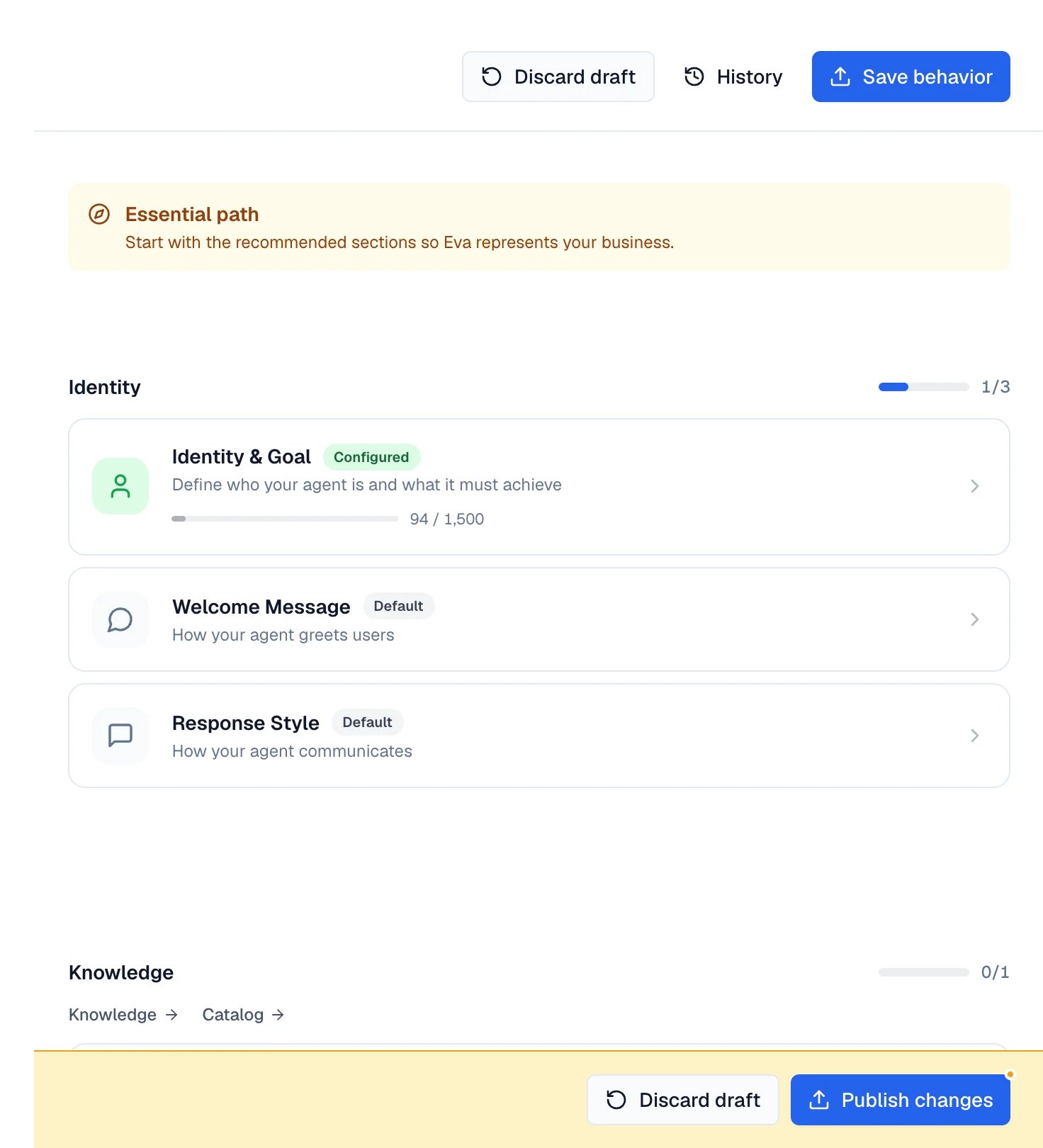
In the Behavior tab, select Save behavior so the draft becomes active.
What to test
- The questions your customers repeat most.
- The hard cases: someone annoyed, an off-topic question, a price that does not exist.
- The moment of booking, quoting, or closing the sale.
- A conversation that should end with a person from your team handling it.
- The languages your customers write to you in.
How to know it worked
Your agent answers with the tone and the facts you defined, and follows the order of your Process. In the cases you marked as limits, it answers the way you asked instead of improvising. Ask the same question again after Refresh preview: if the answer changed in the direction you wanted, the draft already carries your edit.If something goes wrong
- The chat does not appear: you are inside a channel’s configuration, where the preview is hidden. Go back to Behavior or any other tab of the agent.
- It answers dragging in what was already said: select Refresh preview to start a new conversation without that context.
- It says it does not have that information: the fact is not in its configuration. Add it under Key Information or as a knowledge source.
- It stops replying all at once: each conversation has a cap on inbound messages per hour, and a long test reaches it. Check Conversation Message Limit in the Settings tab.