

Incoming and outgoing are not the same
- Incoming: Eva can sign in to the mailbox, read the inbox, and bring in new messages.
- Outgoing: Eva can send email from that address through the provider.
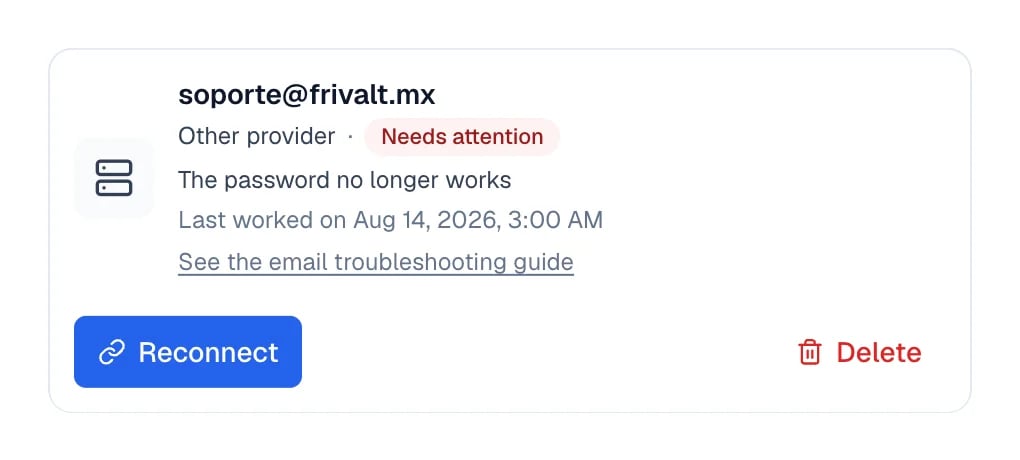
The card explains the cause in your words and when it last worked.
What Eva checks
Eva observes the connection while syncing or sending. It does not send test messages on its own. It checks whether:- It can authenticate with Google, Microsoft, or the IMAP server
- New email continues to arrive
- The first import is progressing
- The provider revoked permission or rejected the password
- The outgoing server accepted a real send
- A temporary failure recovers on retry
The first import covers the last 5 days. A message older than that not appearing does not mean
the connection is unhealthy.
When we email you
Eva sends an email alert when the problem is definitive and Reconnect is the action that can fix it. Examples include a password that stopped working or Google or Microsoft access being removed. Temporary failures do not generate an email every time. Eva retries automatically and shows them in the app when they need visibility. You receive alerts that need your action, not noise for every provider delay.Open Channel health
Go to Settings → Channel health. Open email problems appear there alongside WhatsApp, Instagram, Messenger, and your other channels. Each card shows:- The channel and affected account
- The impact of the problem
- When it started
- The action that applies
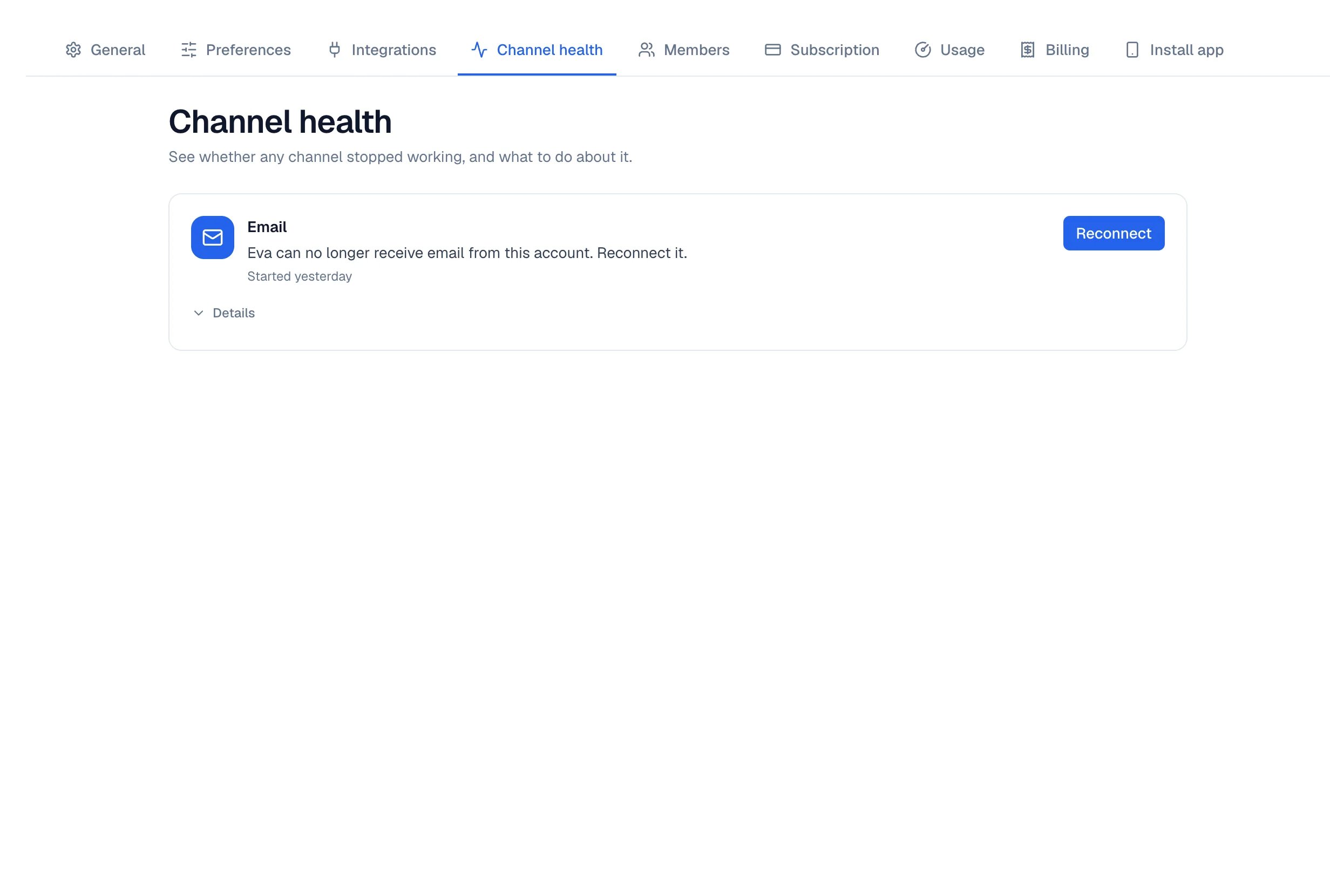
Channel health shows the Email incident with its Reconnect action.
What to do when a problem appears
1
Read the reason
Open the card. The text distinguishes a rejected password, removed permission, stopped import,
or temporary failure.
2
Use the single action
Select Reconnect when Eva needs new access, or Retry when the connection and password
are still valid.
3
Confirm recovery
The issue leaves Channel health after a successful incoming connection. The member’s card
returns to Connected when incoming and outgoing email are healthy.
Troubleshoot email
Reconnect after changing a password or moving to another provider.