

What you will get
You will have every possible sale on a board, sorted by stage, and you will know which of the three routes created each opportunity.Requirements
- An Eva account with at least one pipeline
- Access to Pipelines. Depending on your role, you may only see your own opportunities
Where opportunities come from
There are three routes, and it pays to tell them apart:- Automatically, when the conversation arrives. If your workspace has a pipeline set up, every new conversation can become an opportunity on its own. It does not depend on the agent “detecting buying interest”.
- Your agent, during the conversation. Eva can create or update an opportunity while it works, if you turned that ability on in its behavior.
- You, by hand, with Add opportunity.
If a channel produces many conversations that are not sales — payment confirmations,
automated notices — automatic capture can be turned off for that channel alone, without
affecting the others. Write to us if you need it.
The board
When you open a pipeline you see the Grid view: one column per stage. A new sales pipeline comes with these four: New Leads, In Progress, Closed Won, and Closed Lost. You can rename them and add your own. To move an opportunity, drag it from one column to another.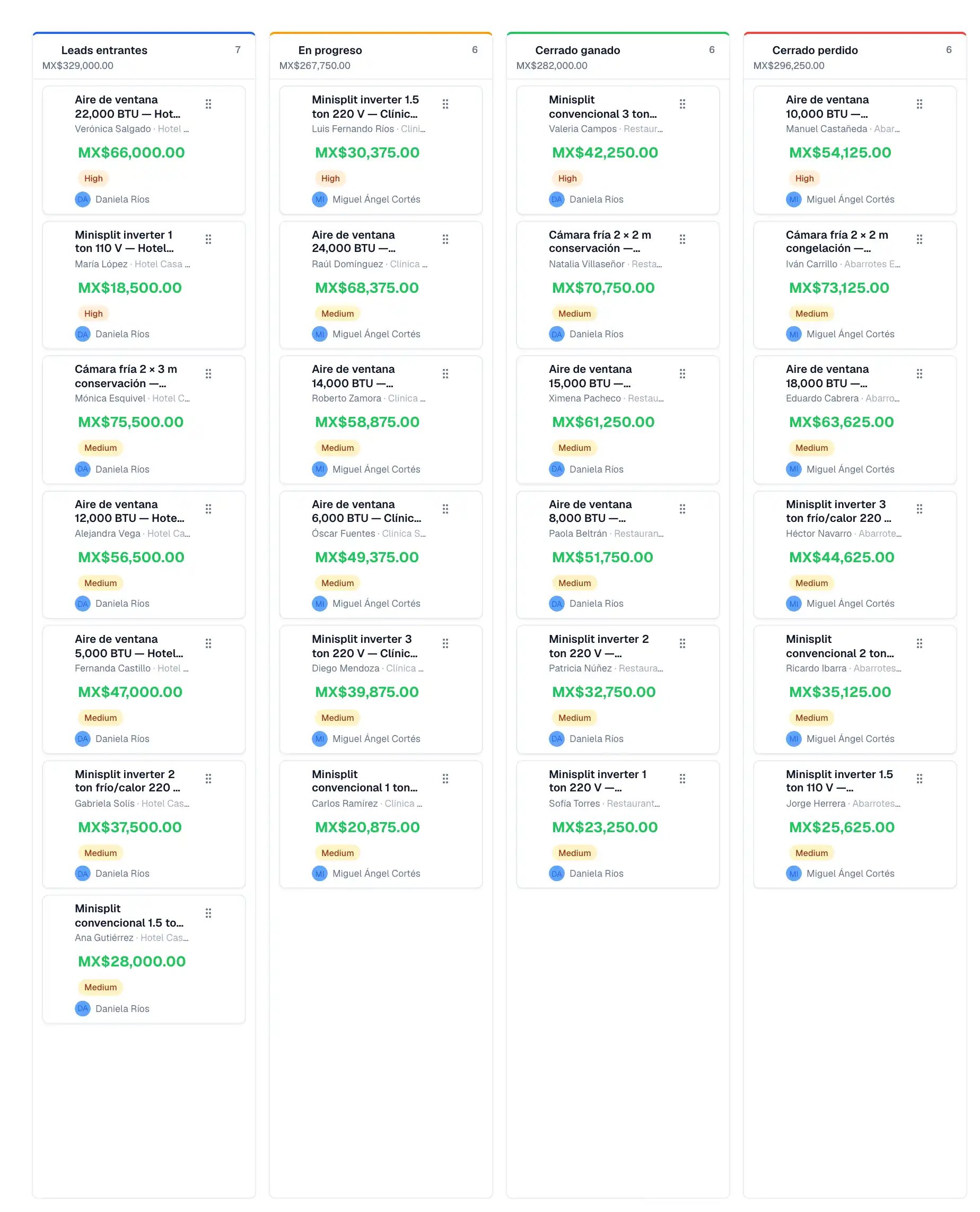
1
Open a pipeline
Under Pipelines, choose the board you want to review.
2
Add or review opportunities
Use Add opportunity to record a new one, or open an existing one to see its details.
3
Move it through stages
Drag the card to the stage it belongs in as the sale progresses.
Work faster
- Under Options, switch between Grid view, List view, and Company view.
- Filter by owner: All opportunities, My Opportunities, or Unassigned. If your role limits you to your own opportunities, this filter does not appear.
- Select several opportunities for bulk actions such as Move to stage or Assign to a member of your team.
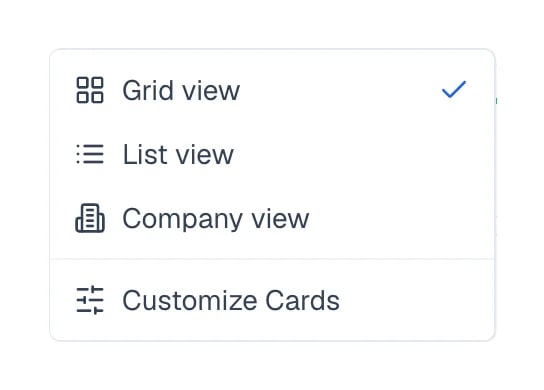
The three board views live under Options, in the toolbar.
How to know it worked
The opportunity shows up as a card in the column for the stage you chose, and the counts at the top of each column move with it.If something goes wrong
New conversations are not creating opportunities
New conversations are not creating opportunities
Automatic capture needs a pipeline in your workspace. Check that a board exists, and that
capture has not been turned off for that particular channel.
A channel is flooding the board with opportunities that are not sales
A channel is flooding the board with opportunities that are not sales
Automatic capture can be turned off for that channel alone, without affecting the others.
Write to us and we will do it.