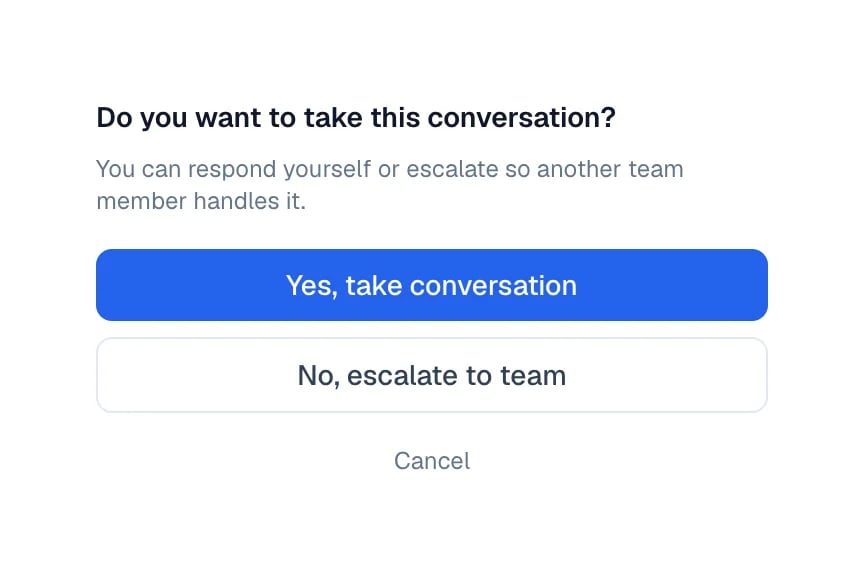
Take control of a conversation when you want to answer in person, keep Eva quiet while you do, and hand it back to your agent when you are finished.
Your agent handles most conversations, but sometimes it is better that you answer: an
important customer, a delicate case, a negotiation. You can take control and hand it back
when you are done.
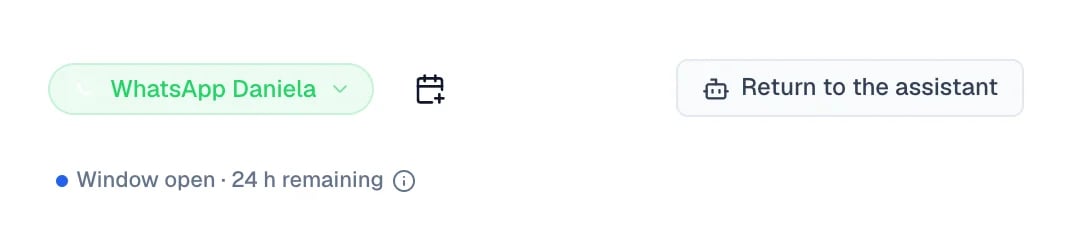
Select Return to the assistant. Your agent picks the conversation back up.
The control that hands the conversation back appears while a person is handling it.
Handing control back is your action, not something that happens by itself. There is an
automatic return, but it triggers when the customer stops writing — not when you forget
about the conversation. If the customer keeps sending messages and nobody answers, the
conversation stays there waiting for a person.
These are two different things, and it pays not to mix them up:
Eva stays quiet for about 2 business hours after the last reply from a person in an
escalation. After that time, Eva can join in again if it is needed.
The conversation returns to automatic mode after 24 hours by default, but only if the
customer has not written again since the last human reply. That threshold is set per agent, so
your workspace’s may differ.
If you took the conversation from your personal WhatsApp, there is no automatic return:
it goes back to Eva only when you say so.
WhatsApp only allows free writing during the 24 hours after the customer’s last message. Past
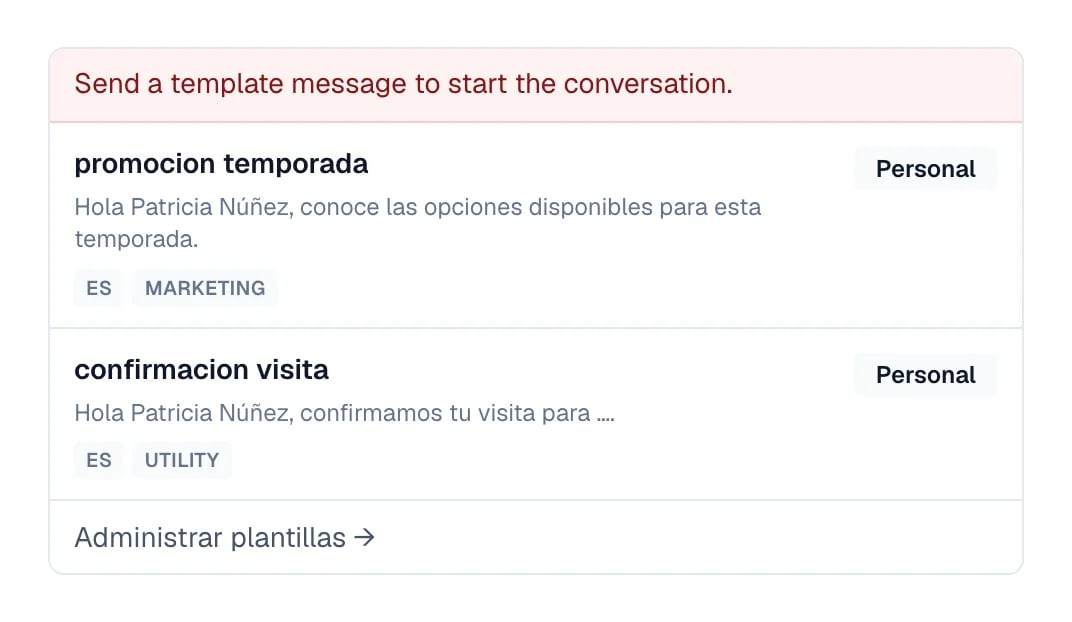
that point, Eva says so above the message box, and your text goes out as a reopen that
WhatsApp has to approve before delivering it. This window is WhatsApp’s own, and it has
nothing to do with Eva’s automatic return.While Eva is still handling the conversation, that notice carries Take conversation and
write: you take control and write in a single step.
With the window closed, the message box becomes the template composer: you pick one of your WhatsApp-approved templates and send it from there.
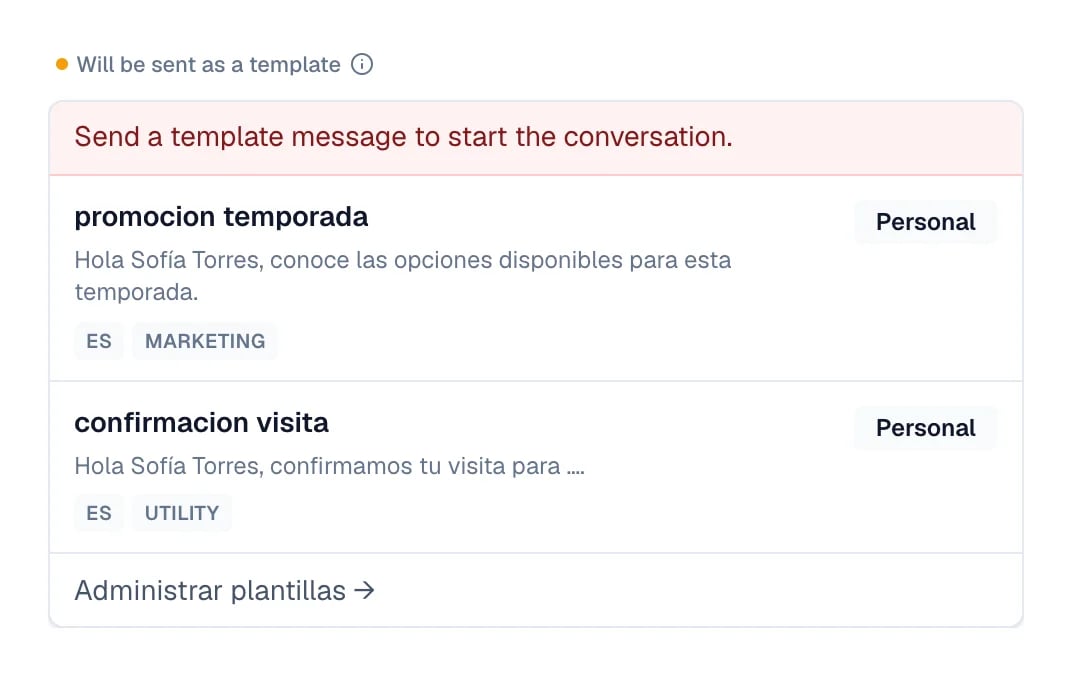
Once the conversation is yours, the same notice shows Will be sent as a template and the
In a hurry? Send an approved template shortcut, in case you would rather resume right
away with a template WhatsApp already approved.
The same closed window, with the conversation under human control.
The option to take the conversation does not appear
Not every channel allows stepping in the same way. On Messenger and Instagram the customer
must have written first, and the channel’s reply window must still be open.
I wrote my reply and it did not send
The channel’s reply window may have closed, or the channel connection may have dropped
while you had the conversation open. Read the notice above the message box: it explains
what is missing.
I handed the conversation back and Eva does not answer
Eva replies to new messages. If the customer has not written since you handed control
back, there is nothing to answer yet.