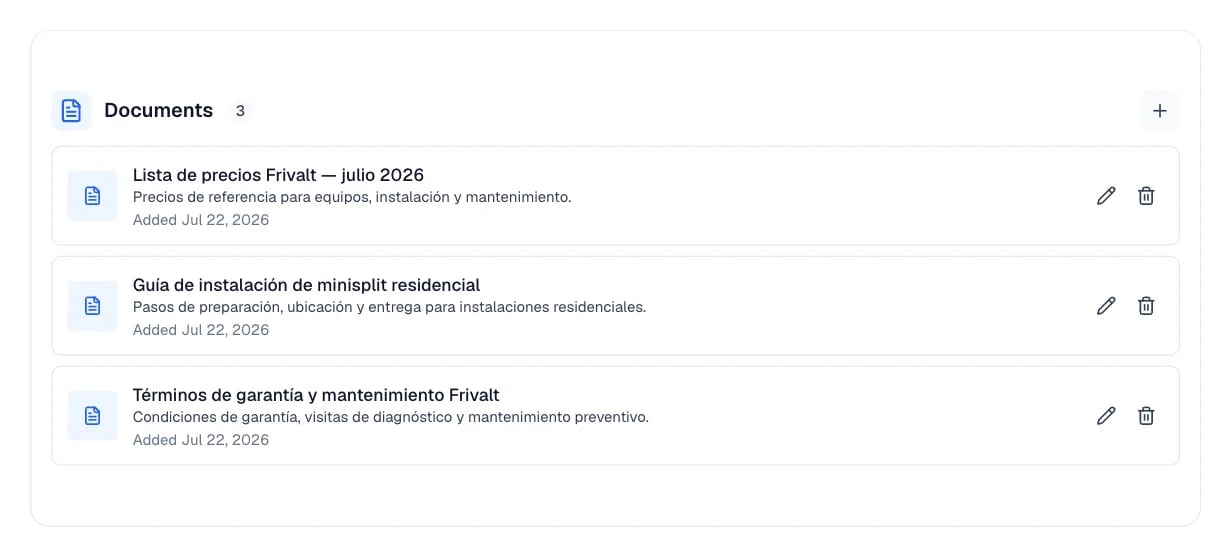
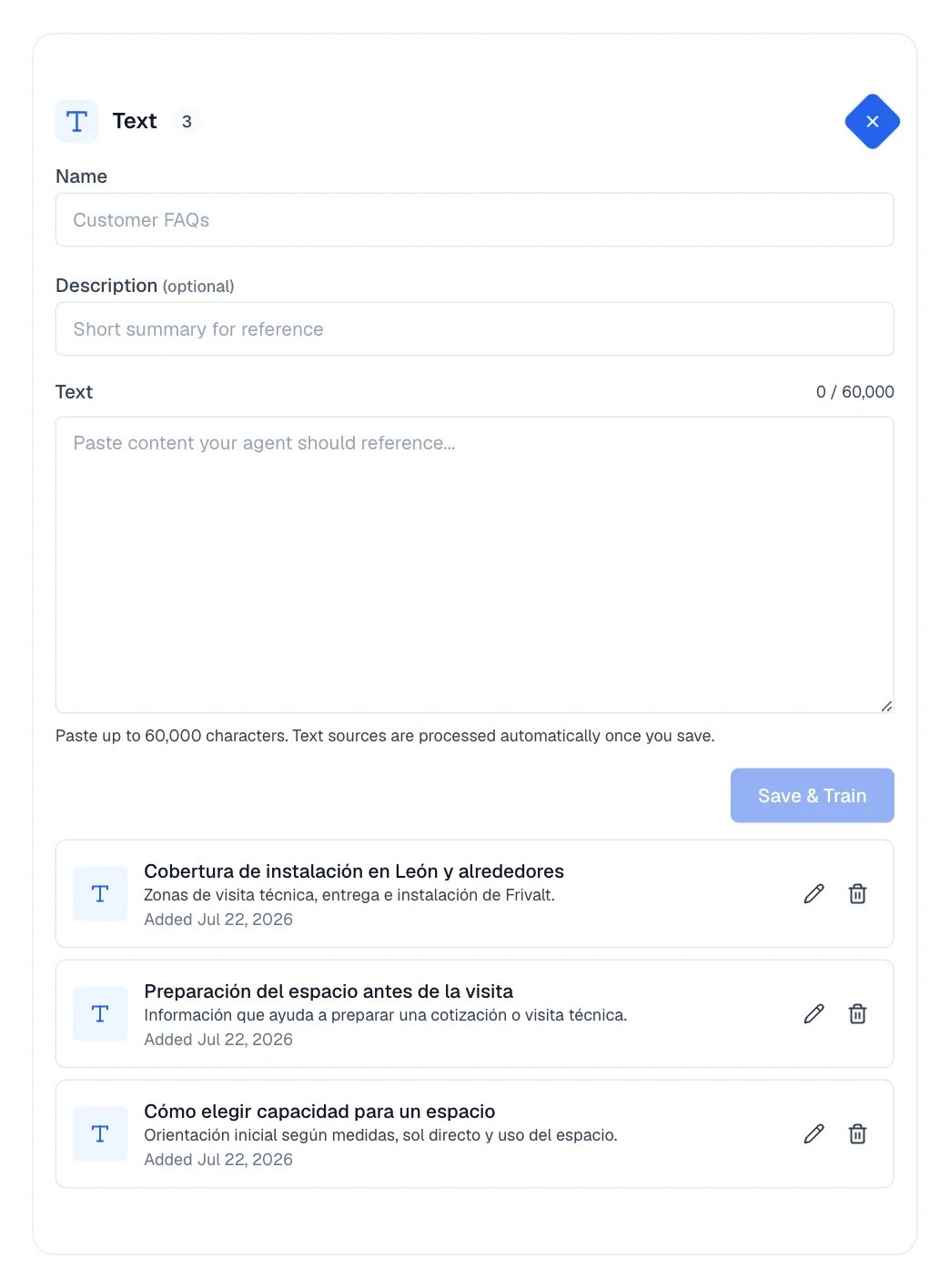
Upload documents, text, images, videos, and websites so Eva answers with real information about your business instead of generalities.
Knowledge is everything your agent needs to know about your business: prices, policies, hours,
frequent questions, locations. The more complete this information is, the better its answers.You find it in your agent’s Knowledge tab.
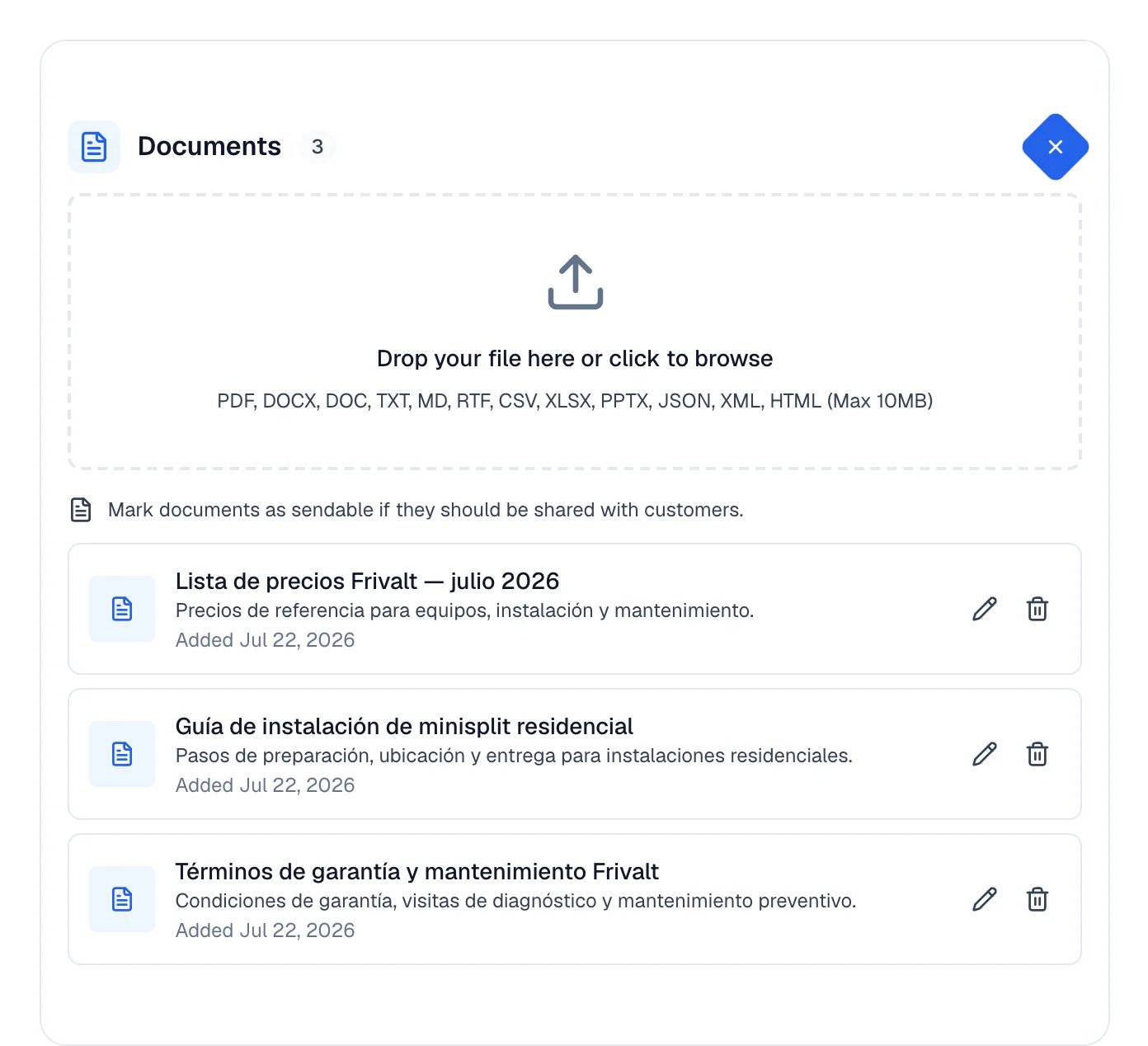
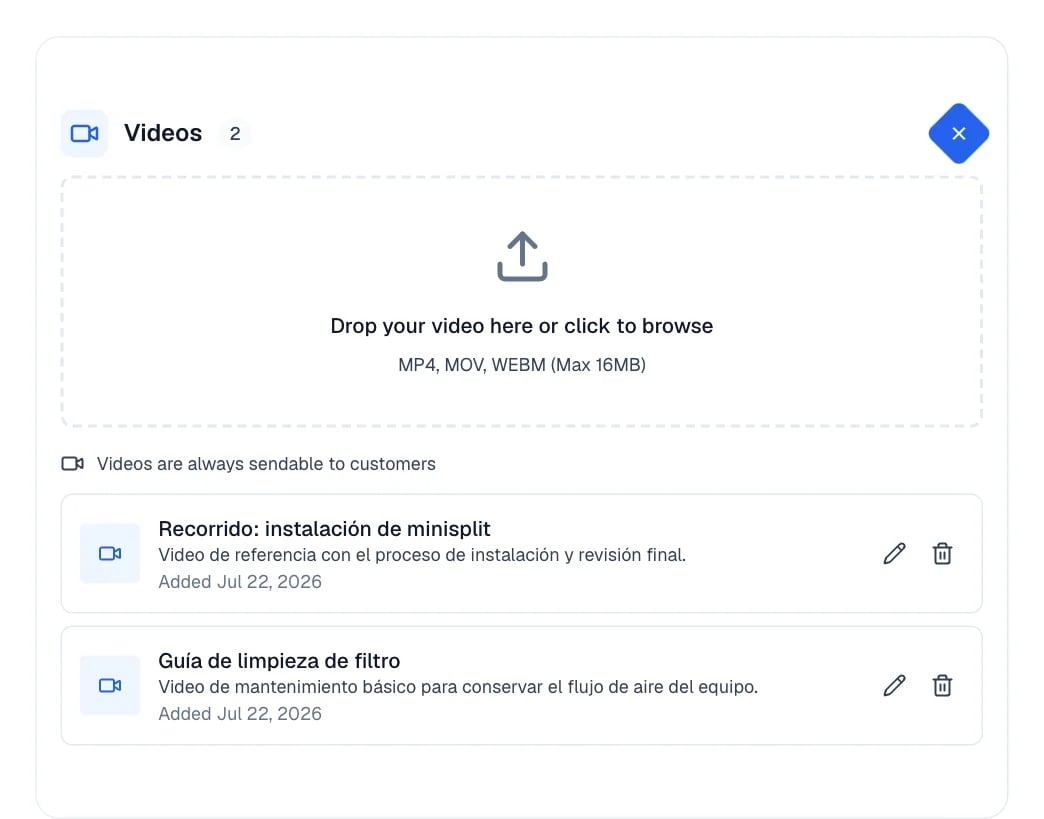
Text is ready immediately and appears in the list of knowledge items.Documents and videos are not. When you upload them they enter a processing queue, so they
can take a moment to become available. If extraction fails, the item shows its error in plain
sight.
Write the way you would talk to a customer: clear and direct. No special format is needed; as
long as the information is complete, Eva understands it.
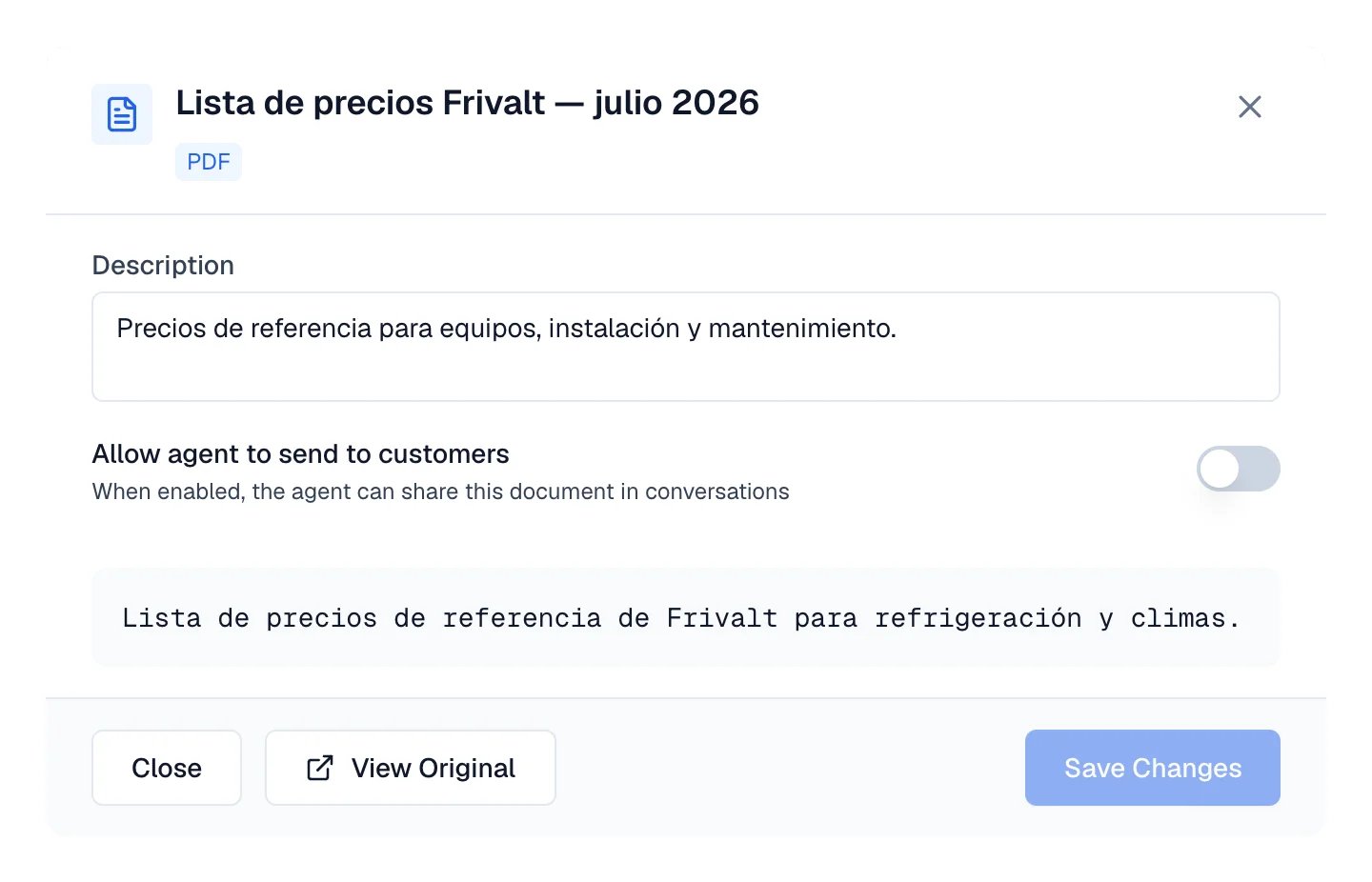
Sending a document to a customer is your decision. A document you just uploaded is not shared
until you allow it.In Knowledge, open the document with the pencil icon and turn on
Allow agent to send to customers. Then select Save Changes.
The document detail: the switch that lets your agent share the file.
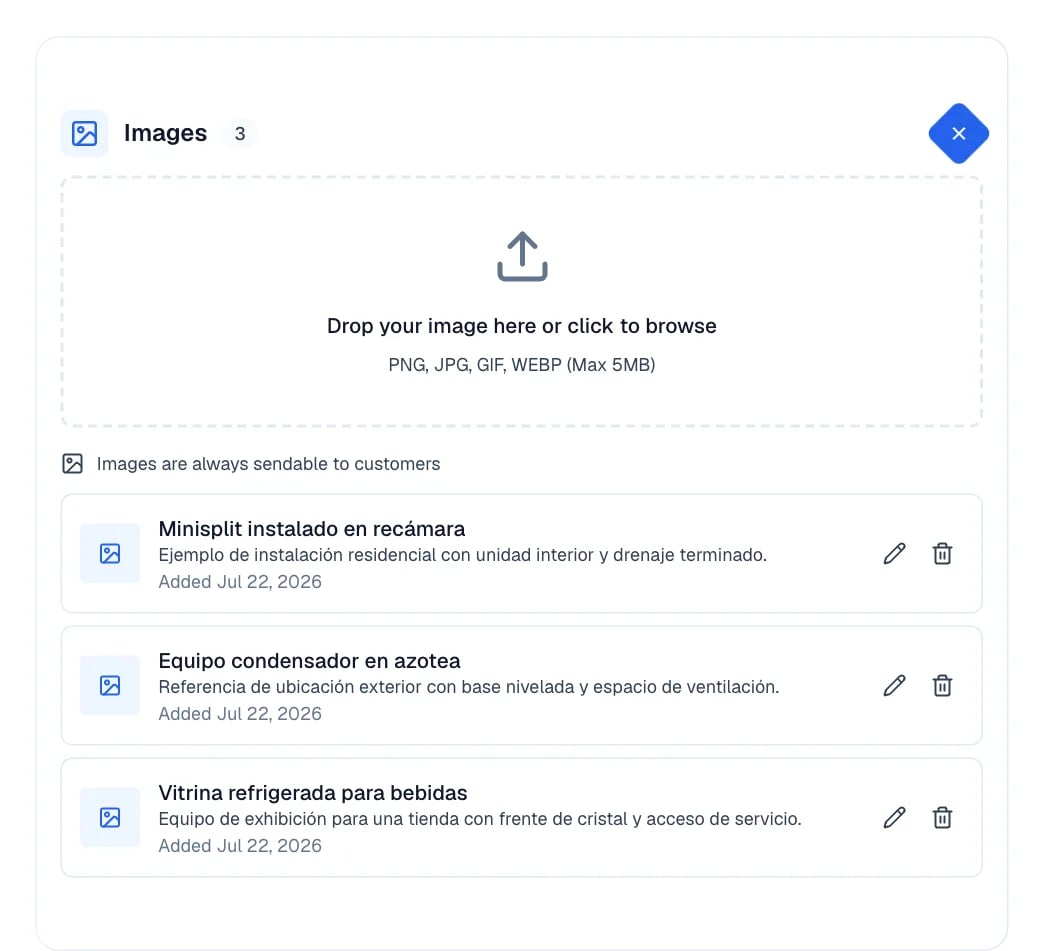
Images and videos do not need this step: they can always be sent.
Eva does not load your whole library at once, so a big one opens as fast as a small one.
The search box looks inside your documents, texts, images and videos. It searches on
the server, not only the names you can see: titles, descriptions and file names, plus the
words inside the text of each source. So an item on the tenth “page” — or a phrase inside a
PDF — is found the same way as the first one. Inside the text Eva matches whole words; in
names, part of a word is enough. In a very long source, only its first 500,000 characters
(roughly 200 pages) are searched. Type and pause for a moment; Eva sends one search when
you stop typing.
Websites are matched by name and address only. The Websites card narrows the
websites already listed to those whose name, domain or address contains what you typed. It
does not search the content of their pages.
“Load more” brings the next batch. Under the source cards you will see how many items
are on screen out of how many exist, with a button to load the next batch of 100. If the
connection drops the items you already have stay put, an error appears, and the button
becomes Retry for exactly the batch that failed.
A “37+” badge means “at least”. While part of the library is still unread, a card
shows how many items of that type are loaded so far, followed by ”+”. It is a lower
bound, not a total: how many more of that type exist is not something Eva has looked at
yet. Load more, or search, to know.
The list does not update by itself. When you add or delete something, Eva re-reads
the top of the list and checks the items you can see. When you save changes to an item,
Eva refreshes that item. If so many items were added above the ones you have loaded that
the re-read of the top cannot reach them, Eva says there are newer items above and offers
Reload from the top rather than quietly mixing them in. Changes others make while you
are only looking appear when you reload or search.
Websites are registered as allowed sources. They are not crawled through a “refresh now”
button, so do not expect a full pass over your site on demand.
The destination channel can impose its own size limits, separate from Eva’s.