

What Eva does for your business
Answers on your channels
WhatsApp, Instagram, Facebook Messenger, TikTok, a voice number, and the widget on your
website, from a single inbox.
Sells and schedules
Your agent recommends products, quotes prices, and books appointments with the information
you give it.
Keeps your customers organized
Conversations are saved together with the details of whoever wrote in. If you create a
pipeline, they also become sales opportunities.
Lets you answer yourself
Your team can take over a conversation, reply in person, and hand it back to the agent when
they are done.
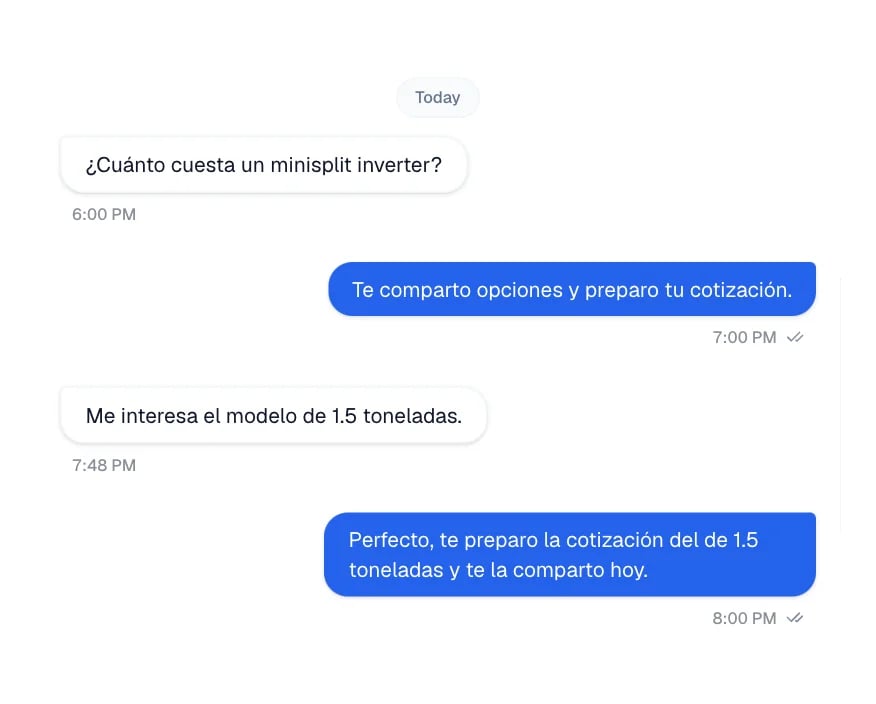
A WhatsApp thread: the customer asks for a price and the agent answers.
How to get started
Getting up and running takes a few minutes. The order matters: channels live inside an agent, so the agent comes first.1
Create your agent
In AI Agents you create the agent that will talk with your customers. Follow
how to create your first agent.
2
3
Test it
Simulate a conversation to see how it replies before it talks to
real customers.
4
Connect it to a channel
Inside the agent, on its Channels tab, you link WhatsApp, Instagram, Facebook
Messenger, TikTok, a voice number, or the widget on your website. Start with
WhatsApp.