

What you will get
You will open Eva from an icon on your phone and handle your conversations from anywhere.Choose your phone
The steps differ by system, because each browser offers installation in its own way.iPhone
Installs from Safari, through the share menu.
Android
Installs from Chrome, through the browser menu.
Where the install screen lives
From any Eva screen, the help icon in the top bar opens a menu with Install the app. The other route is Settings → Install app.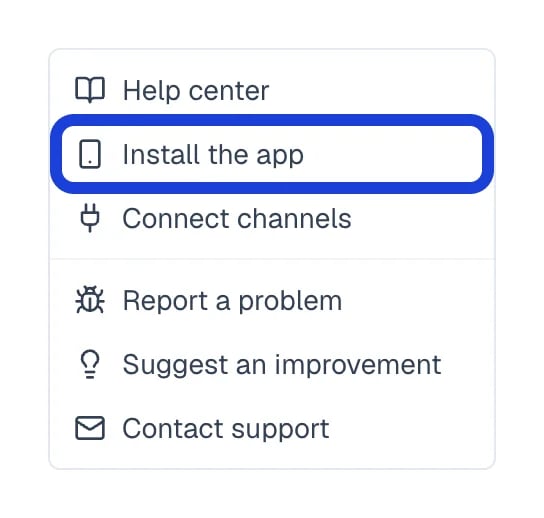
Eva's help menu; the marked option opens the install screen.
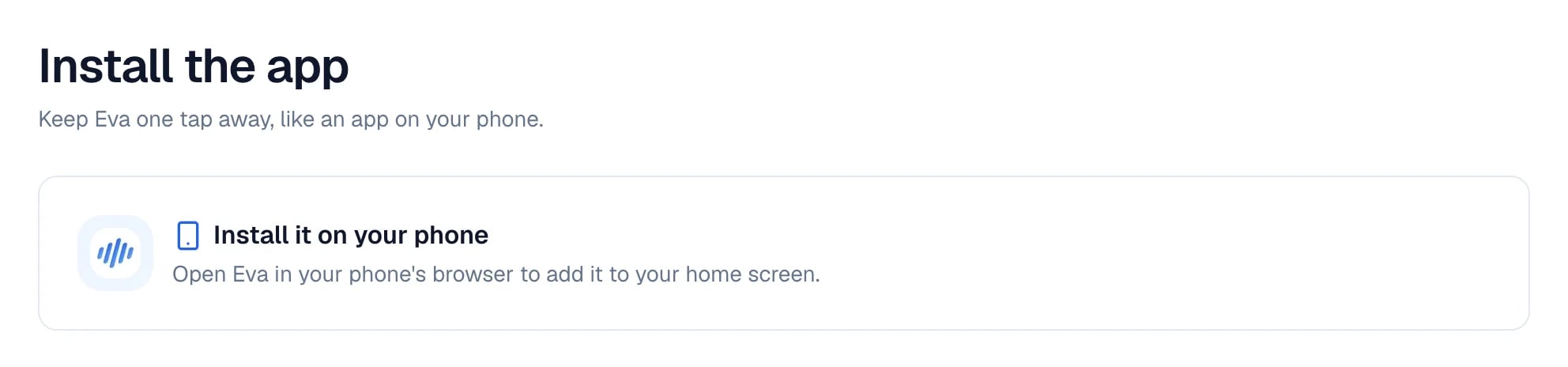
The install screen opened on a computer.
How to know it worked
Eva’s icon appears on your phone’s home screen. When you open it, Eva fills the whole screen and you no longer see the browser’s address bar. Opening Eva from that icon, Settings → Install app reads EvaAI is already installed.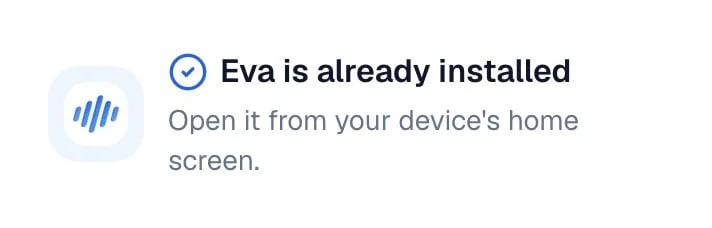
The install screen once Eva opens from the icon.