Go to app.goeva.ai in Safari and sign in. Inside Eva, the help icon in the top bar opens
Install the app; on an iPhone it offers Install on iPhone or iPad.
The install screen as an iPhone shows it.
2
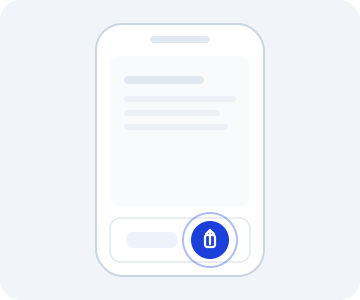
Tap the Share button
In the Safari bar, tap the Share icon (a box with an arrow pointing up).
Illustration: the share button sits in Safari's bottom bar.
3
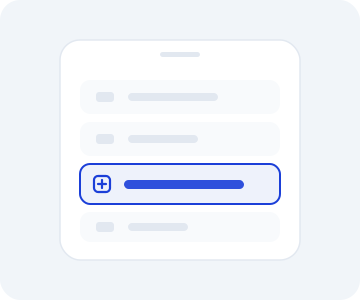
Choose Add to Home Screen
Scroll through the menu and tap Add to Home Screen.
Illustration: the option sits further down the share menu list.
4
Confirm
Tap Add.
Install on iPhone or iPad opens these same three steps inside Eva.
The Eva icon appears on your iPhone’s home screen. Open it from there: Eva shows without the
Safari bar. In Settings → Install app, the screen now reads
EvaAI is already installed.