

What you will get
You will know where to see your agreement with Eva and how to change the card it is charged on. You will also understand every billing notice and how to cancel.Requirements
- An Eva account you are signed in to
- Access to the billing module. The owner and administrators have it turned on; sellers do not, unless an administrator turns it on for them
- If Subscription is not among the Settings tabs, ask an administrator of your workspace for access
What Subscription shows
Subscription gathers the following on a single screen.- Commercial agreement: the amount, the cadence (Monthly or Annual), and the current period. If your agreement lists what it covers, it appears under Includes.
- Period usage: bars for AI credits, AI agents, and Seats showing what has been consumed against your included capacity.
- Credits: how many purchased credits you have left, and automatic recharge if you turned it on.
- Your add-ons: what you added on top of your agreement. It only appears if you have any.
- Invoice History: the previous charges and their files.
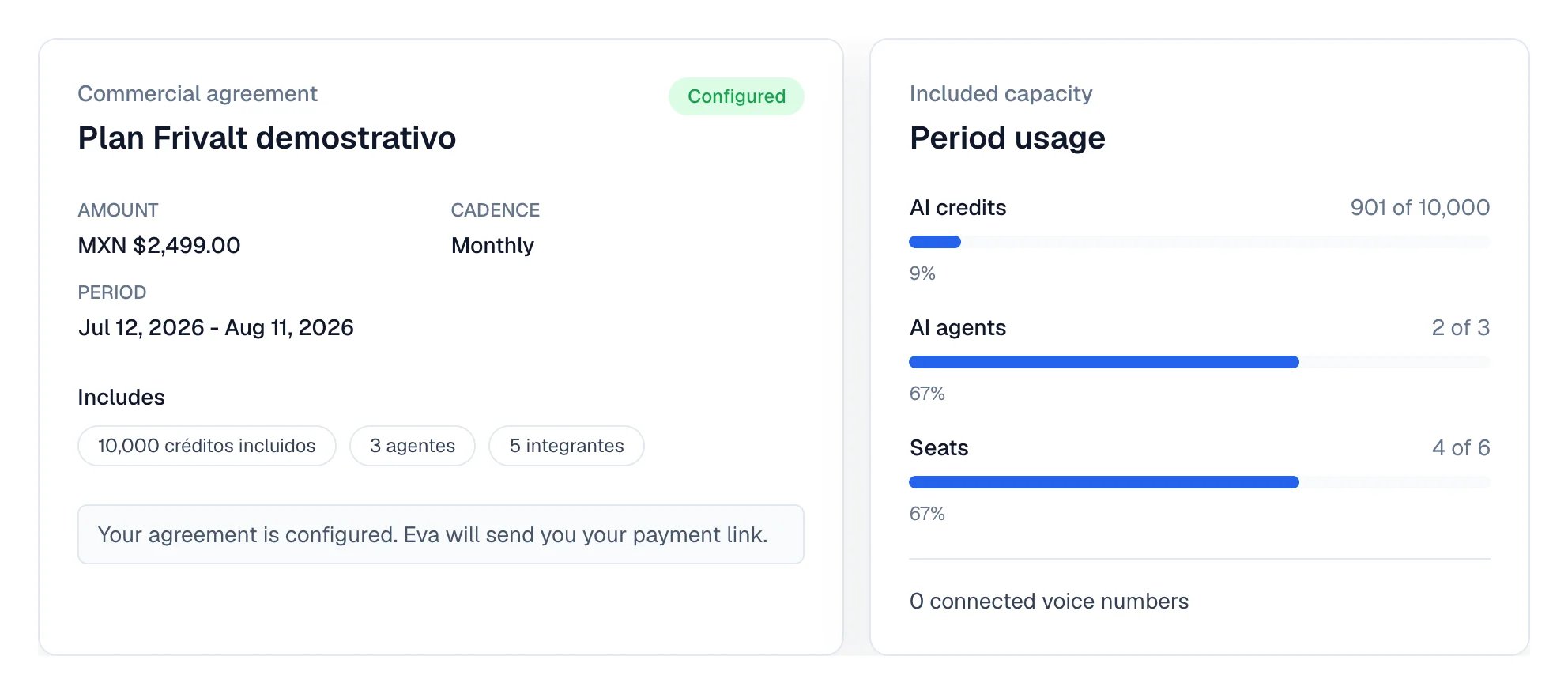
The first two blocks of Subscription: the commercial agreement and the period usage.
How your credits work
- Your plan credits renew each month, on an annual plan too. Credits you do not use in a month do not carry over to the next one.
- Purchased credits never expire. Eva uses them after your plan credits, so they are only spent when the plan is not enough.
- Purchased credits available is what you still have left to use, not the total you have bought.
- Automatic recharge comes on when you subscribe to your first plan, with the rule shown before you pay: we buy 1,000 credits when you have 1,000 left, at most once a month. Turn it off right there or later under Credits; Configure changes the trigger, the monthly maximum and the card. If you get an invoice, the recharge price you see before paying already includes taxes and your withholdings: it is exactly what you will be charged.
- If you run out, the banner at the top lets you buy 1,000 credits in one tap; conversations Eva could not answer show an Out of credits tag in the inbox and resume on their own once you recharge.
The terms of your account are agreed directly with your Eva contact. If you want to change
them or expand your capacity, write to them or contact us.
How to update your payment method
1
Open your subscription
Go to Settings and open the Subscription tab.
2
Open the payment portal
Select Manage payments and invoices. The Stripe portal opens, where your card, your
billing details, and your receipts live.
3
Update and come back
Change your card in Stripe and come back to Eva. Eva does not store your card details.
Manage payments and invoices appears when your account has an active Stripe subscription.
If your account is charged by payment link or bank transfer, you see the payment request on
that same page instead. The button to open it and the Copy link option are there.
What each billing notice means
When something needs your attention, Eva shows a notice above Subscription. Each notice carries its own action.Where add-ons are bought
Each add-on is bought where it is used, not inside Subscription.- Seats: when you add a member beyond your capacity, Settings → Members shows the price of that seat and asks you to confirm.
- AI agents: when you create an agent beyond your capacity, the AI Agents screen shows the price and asks you to confirm.
- Voice numbers: managed from the agent’s voice channel, in its Channels tab.
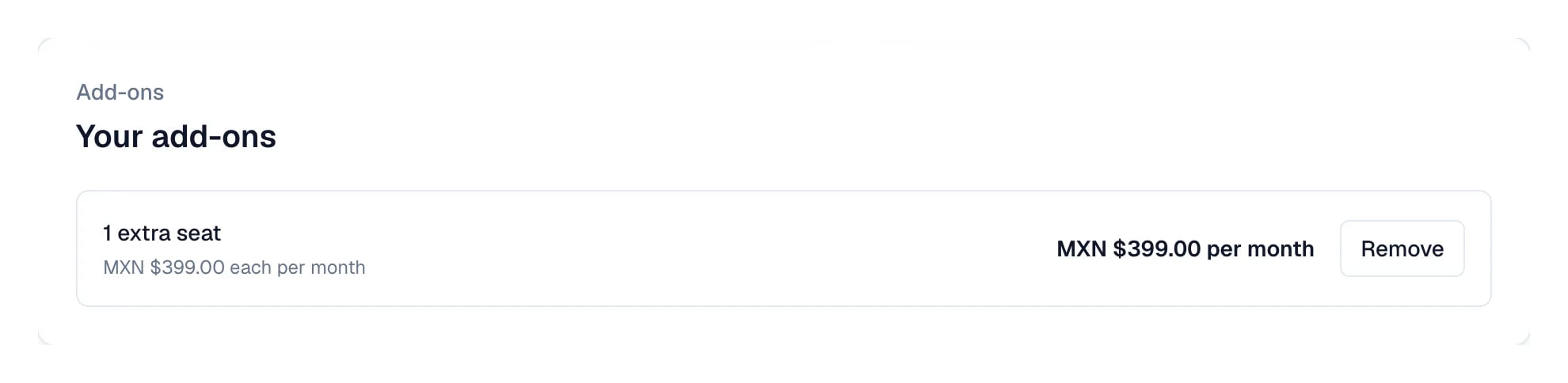
Each add-on appears with its unit price, its monthly subtotal and its remove button.
How to cancel
At the bottom of the page you find Cancel subscription or Request cancellation, depending on how your account is charged. Eva asks your reason before confirming. Your service continues until the end of the period you already paid for. After that, your agents stop replying and your widget is hidden. Your data is kept for 150 days in case you come back.How to know it worked
When you come back from Stripe, the billing notice disappears from Subscription and the page shows the line for your next charge with its date. If you scheduled a cancellation, the page says so in a line at the bottom.If something goes wrong
- The Subscription tab is not there. Access to the billing module is missing. Ask an administrator of your workspace for it.
- Manage payments and invoices does not appear. Your account does not have an active Stripe subscription. Use the payment request on that same page or write to us.
- I paid and the service is still paused. Select Reactivate on WhatsApp to notify the Eva team; reactivation is not automatic.
- I need a tax invoice. See Invoices.