

What you will get
Your Facebook page left connected to Eva. A live test will confirm that your agent receives and answers a Messenger message.Requirements
- Administrator access to the Facebook page you want to connect
- The owner or administrator role in the Eva workspace. Other roles see the connection, but cannot create it
- No other application set up in Meta to answer that page
Connect your page
Open your agent's channels
Open the Messenger screen
Start the connection
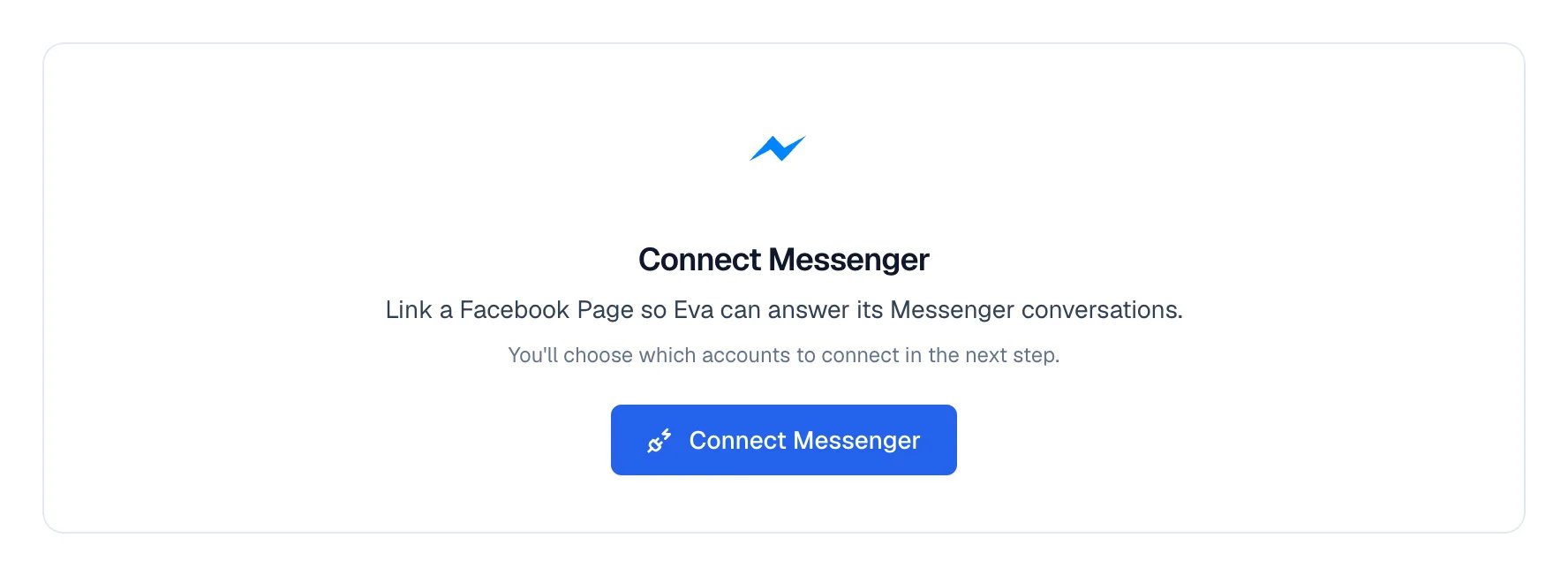
The Connect Messenger button, on the channel screen.
Authorize in Meta

Meta asks you to approve the permissions. The drawing shows the shape of the window; Meta changes its design from time to time.
Choose your pages
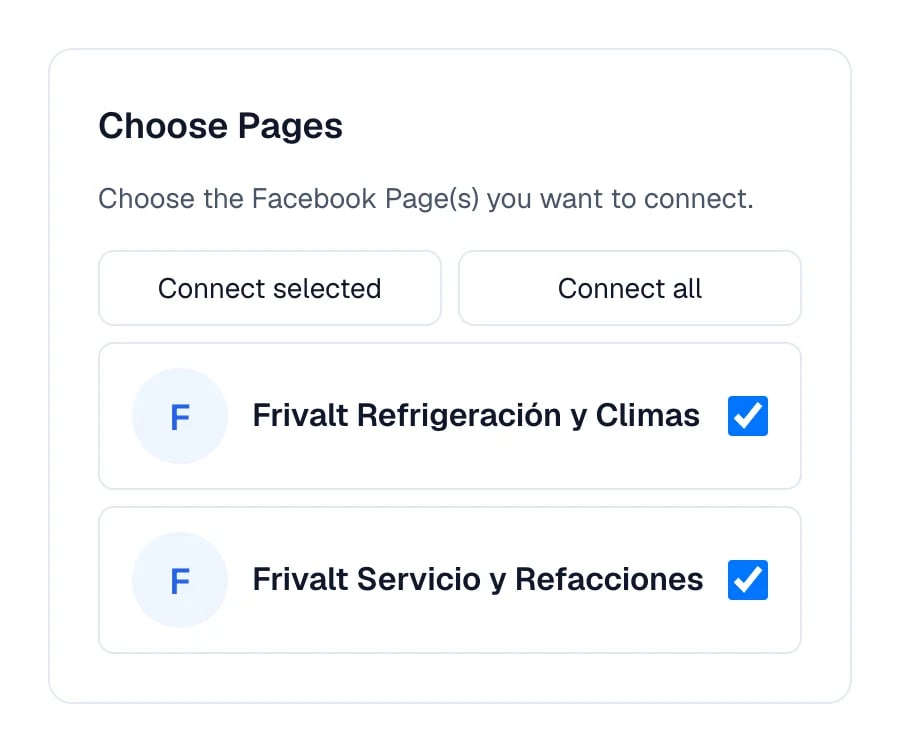
Eva asks which pages to connect.
Let Eva take you back
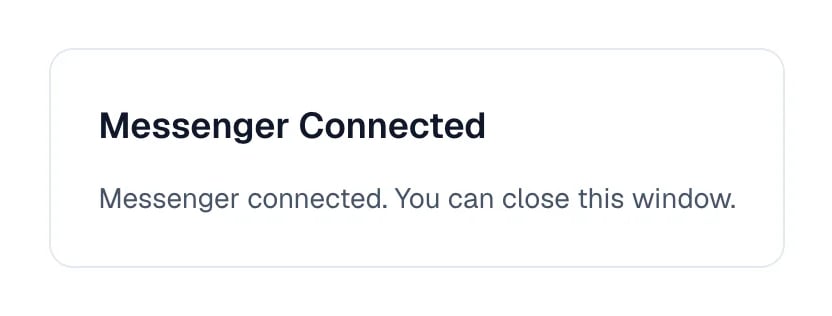
The connection finished; Eva returns to the channel on its own.
If permissions were not granted
If Meta says the connection was rejected or names a missing permission, return to the Messenger channel, select Connect Messenger or Connect another Page, and start again. Keep every Page you want Eva to answer selected and accept every permission Meta asks for. Eva will name any permission that is still missing; it will never show Meta’s private technical error text.How to know it worked
Right after connecting, the page reads Test connection, not Working. That is expected and does not mean something failed: Eva only changes the label once a real message arrives and your agent answers it.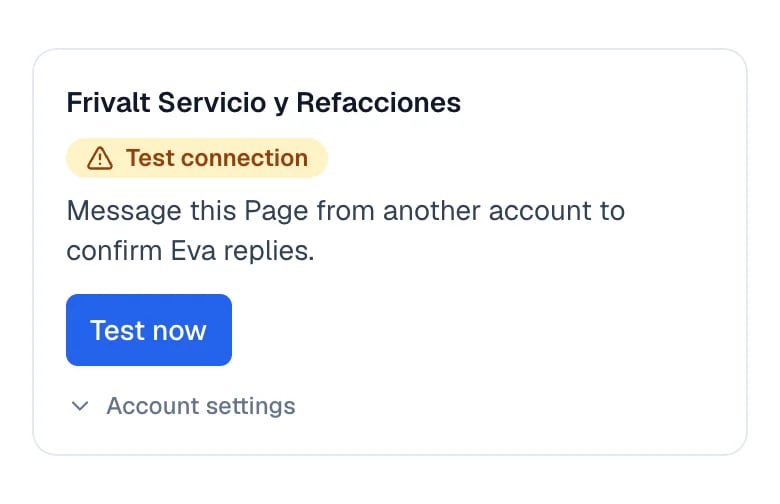
Just connected: the label reads Test connection and a Test now button appears.
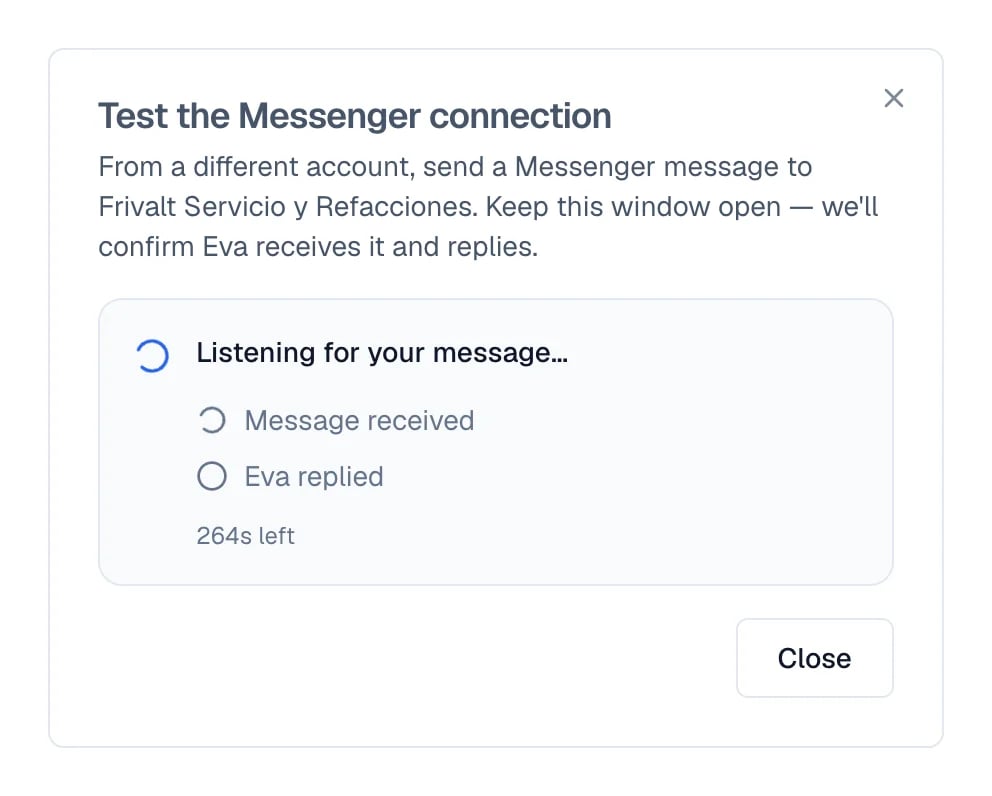
The test waits for your message; both signals are still unticked.
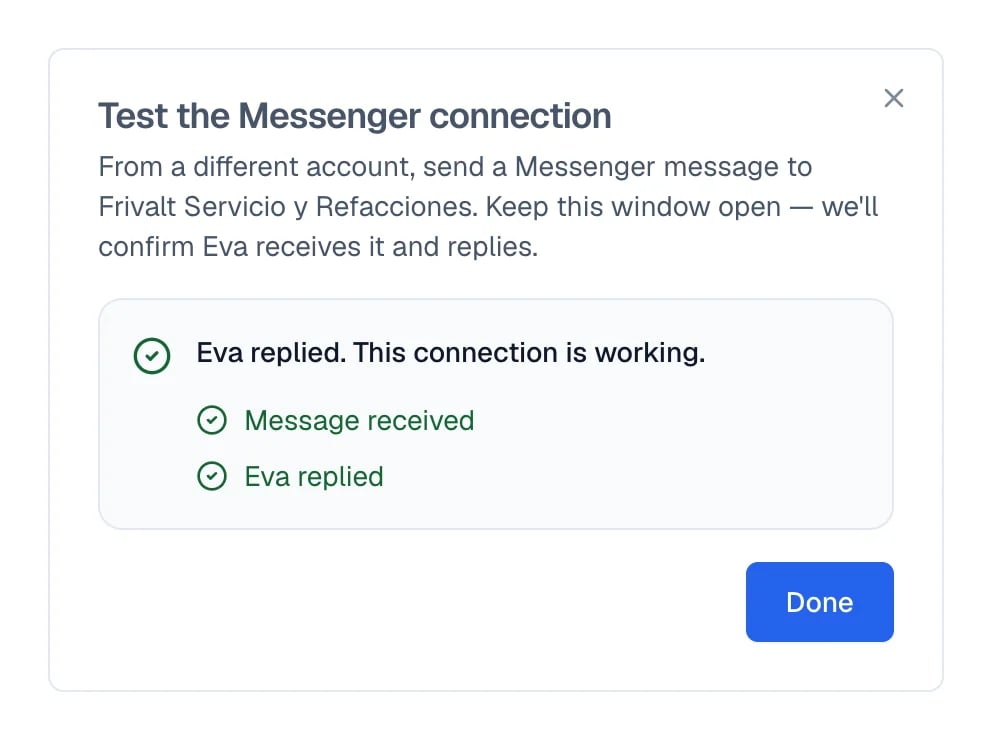
Both signals ticked: the message arrived and your agent answered.
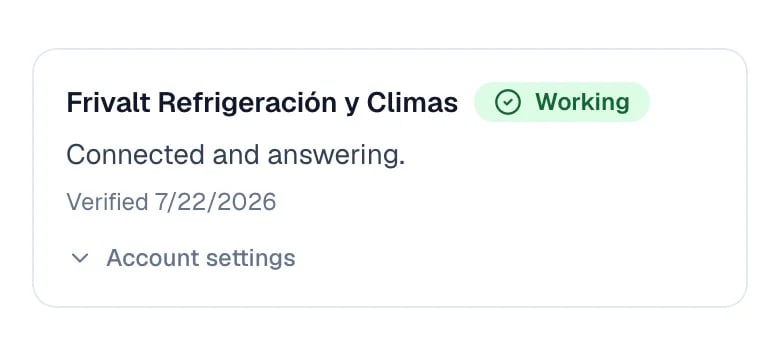
After the test: the label changes to Working.
When another app answers for you
This is the most confusing case: the connection looks fine, Eva receives the messages, but nobody answers. It happens when another application was left in charge of that page’s conversations in Meta. Eva detects it and names it: the page shows Action required, and selecting Fix brings up Set Eva as the default app with the exact steps. In Meta you open that page’s settings and go to Advanced Messaging. There, under Conversation Routing, Eva is left as the default handler. That same window includes Open in Meta to go straight there, and Copy instructions to pass them to whoever manages the page. When you finish, use Verify connection.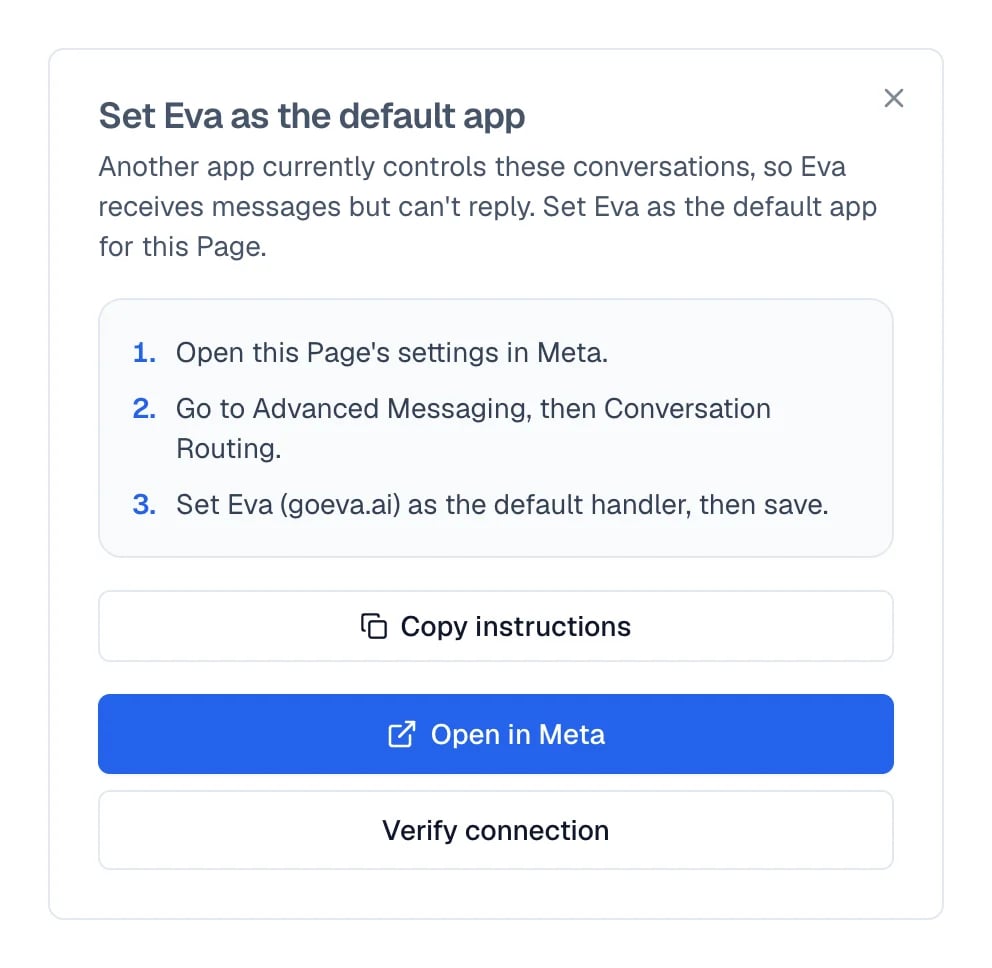
The three steps Eva gives to become the page's default app.
If something goes wrong
The page reads Test connection
The page reads Test connection
The test says Eva did not reply in time
The test says Eva did not reply in time
Eva stopped answering after a while
Eva stopped answering after a while
My Page is greyed out or Meta finds no Pages
My Page is greyed out or Meta finds no Pages