> ## Documentation Index
> Fetch the complete documentation index at: https://docs.goeva.ai/llms.txt
> Use this file to discover all available pages before exploring further.
# Install the App on Android
> Download and install Eva AI on your Android device to stay up to date.
Install Eva on your Android phone to reply from anywhere, with its own icon on your screen just like any other app.
## Install it in one step
Go to **app.goeva.ai** in Chrome and sign in. You can also go to **Settings → Install the app** inside Eva.
A prompt to **install the app** will appear. Tap it and confirm.
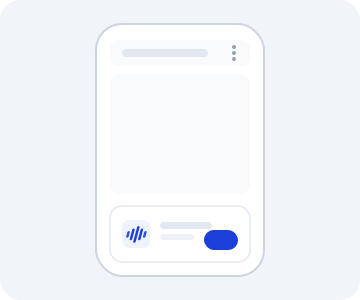 Don't see the prompt? Tap the Chrome menu (the three dots, top right) and choose **Install app** or **Add to Home screen**.
Once installed, open Eva from its icon to see it full screen. It feels like a native app.
Using iPhone? Follow the guide to [install the app on iPhone](/en/install-the-app/iphone).
Don't see the prompt? Tap the Chrome menu (the three dots, top right) and choose **Install app** or **Add to Home screen**.
Once installed, open Eva from its icon to see it full screen. It feels like a native app.
Using iPhone? Follow the guide to [install the app on iPhone](/en/install-the-app/iphone).