> ## Documentation Index
> Fetch the complete documentation index at: https://docs.goeva.ai/llms.txt
> Use this file to discover all available pages before exploring further.
# How leads are created
> Every individual conversation with a sent message becomes an opportunity in a pipeline. Here is the full rule, who triggers it, and how you choose the pipeline.
In Eva, an individual conversation with at least one sent message becomes a contact and an opportunity. It does not matter who wrote first.
## What you will get
You will be able to explain why every opportunity in your pipeline exists, and where the next ones will land.
## The rule: one conversation, one lead
The opportunity is created with the conversation's first message, whoever sent it.
* The person writes to you.
* You write from the phone, on a number connected to Eva.
* You write from the Inbox.
* The agent writes.
* An automation writes to that person.
A conversation that already has an open opportunity does not produce another one: the same one is reused even if the person comes back through another channel.
## What does not create a lead
* A send to a list does not create the opportunity when it goes out. It is created when the person replies, because that is where the conversation starts.
* WhatsApp groups do not reach Eva, so they create nothing.
* A contact marked as **Supplier** enters no pipeline, and its conversation is still visible in the Inbox.
## Which pipeline it lands in
The pipeline is decided by the channel's routing rule: the WhatsApp number, the Instagram account, the widget, each with its own. In **Pipelines**, then **Lead routing**, they are all listed.
If that channel has no rule yet, the opportunity is born in the first pipeline on the list. That is a default, not a choice of yours. It is usually the reason leads show up in a pipeline where they do not belong.
Review the number's routing the day you connect it. Opportunities already born in the wrong pipeline stay there until you move them.
## When Eva asks
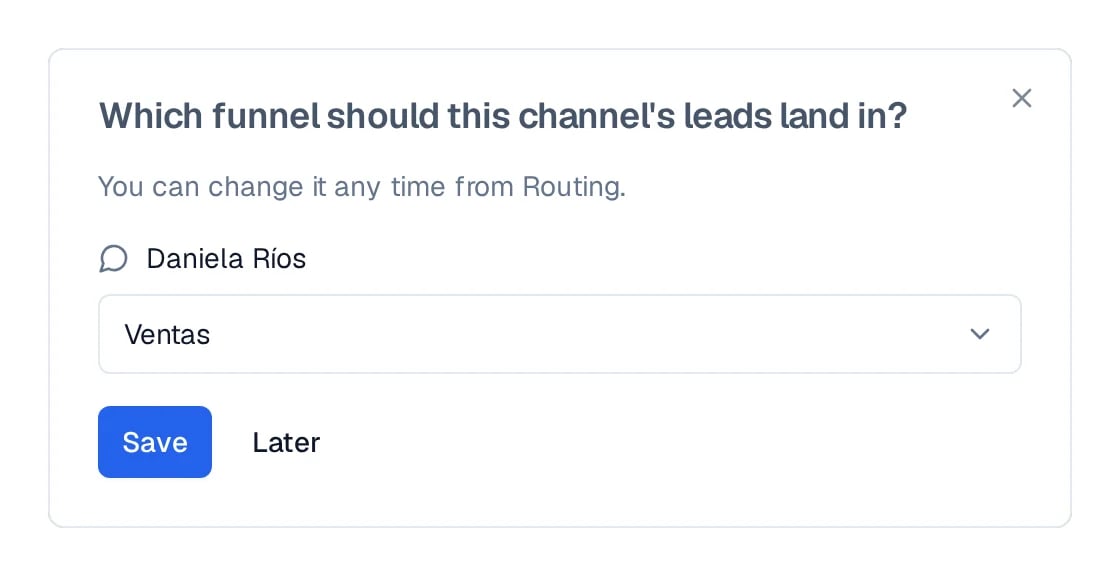
Right after a channel finishes connecting, Eva asks which pipeline its leads land in and saves the answer as a rule. If you choose **Later**, the channel stays without a rule, and the question remains available on its row.
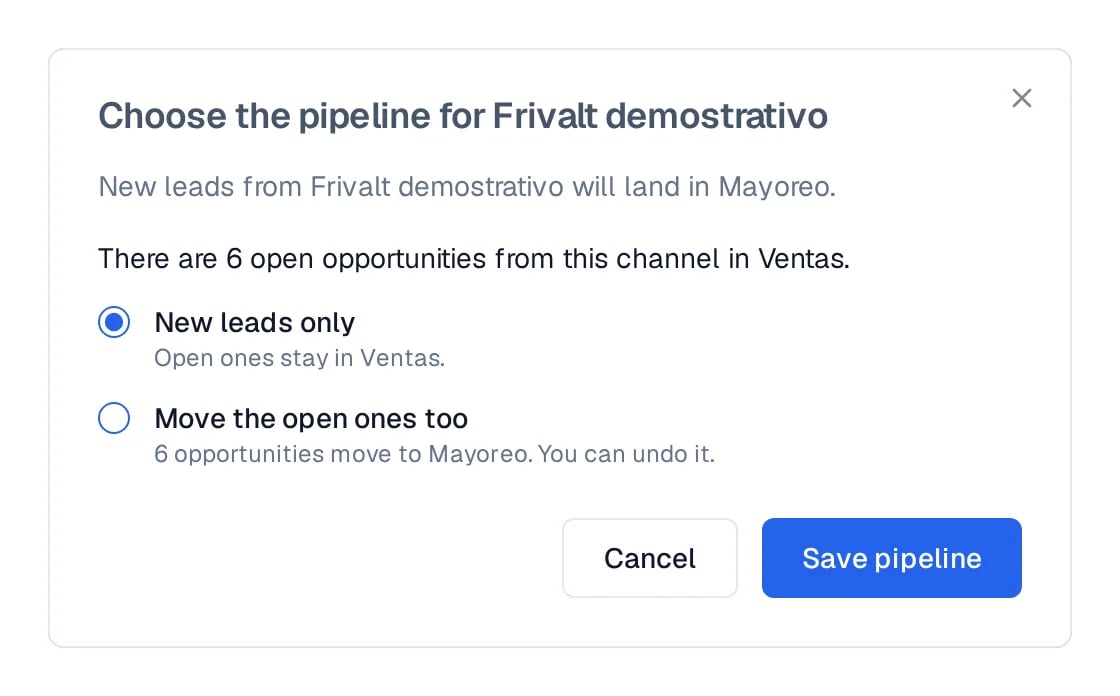
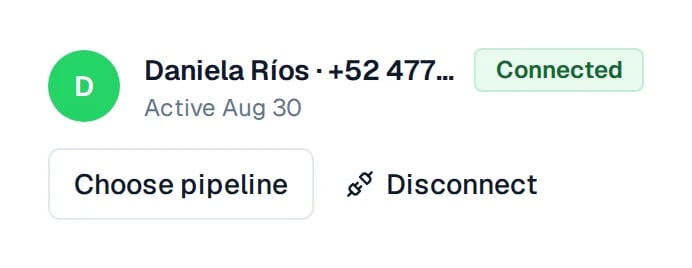 When you create the first rule for a channel that was already receiving leads, Eva states how many open opportunities were born in the default pipeline. Then you choose: move those to the new pipeline, or leave them where they are and apply the rule only to the next ones.
 ## How to know it worked
In **Pipelines**, then **Lead routing**, every channel shows its pipeline. Write to the number from another phone and confirm the opportunity appears in that pipeline.
## Next steps
* [How to work your pipeline](/en/crm/pipeline)
* [How conversations are seen and handled](/en/crm/inbox)
* [How to import your contacts and history](/en/channels/whatsapp/import-contacts-and-history)
## How to know it worked
In **Pipelines**, then **Lead routing**, every channel shows its pipeline. Write to the number from another phone and confirm the opportunity appears in that pipeline.
## Next steps
* [How to work your pipeline](/en/crm/pipeline)
* [How conversations are seen and handled](/en/crm/inbox)
* [How to import your contacts and history](/en/channels/whatsapp/import-contacts-and-history)